Thanx data reference
You will learn
Learn what data syncs from Thanx to Klaviyo and where to view it. This includes information related to placed orders, rewards, and customer profiles.
If you have not already, read our guide on getting started with Thanx for instructions on integrating before continuing with this article.
How to view your data
To view your Thanx data:
- Click the Analytics dropdown in the left-hand navigation sidebar.
- Select Metrics. Here, you can view all of the metrics in your account. Filter by Thanx to view your Thanx metrics.
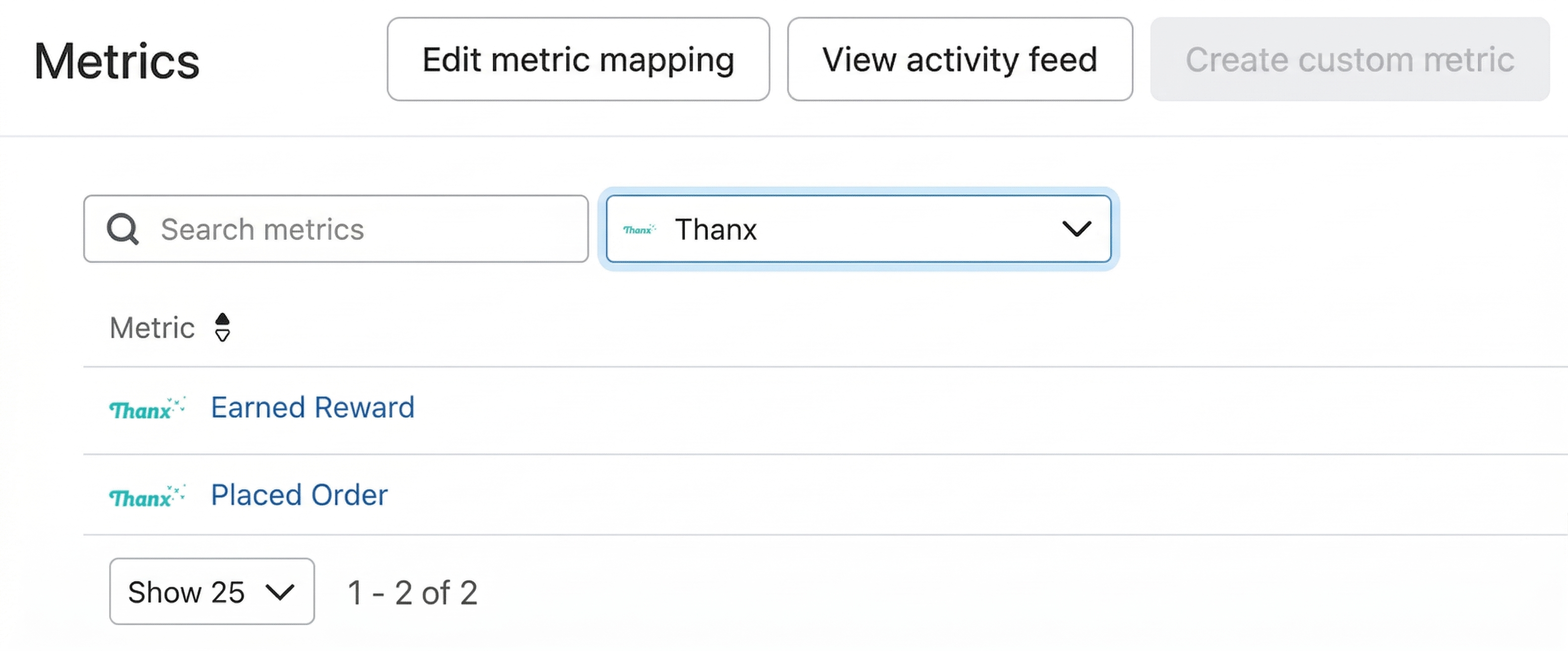
- Click on a metric to view detailed metric info.
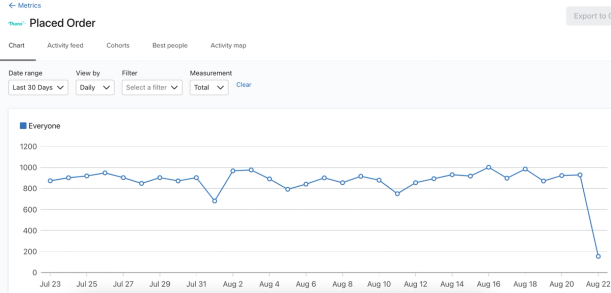
Synced metrics
Thanx sends 2 types of purchase payloads:
- Data Sharing
Sent if the webhook consumer qualifies for data sharing. - No Data Sharing
Sent if the webhook consumer does not qualify for data sharing.
No data sharing payloads are sent, for example, for mall merchants with locations that have not yet opted into data sharing.
Placed Order
This event occurs when a customer placed an order through your Thanx loyalty program. You can filter and target Placed Order events based on the following criteria:
- Purchase ID
Unique identifier for the purchase - Merchant ID
Unique identifier for the merchant - Order ID
The ID for the order - Order Provider
The system that accepted the order - Merchant Name
Name of the merchant - Location ID
Unique identifier for location of purchase - Location Name
Name of the location where the purchase was made - Location
Additional information about the location including location ID and address - Items
Details about what was purchased
Earned Reward
This event occurs when a reward has been issued to a customer through your Thanx loyalty program by a Thanx campaign created in Klaviyo. You can filter and target Earned Reward events based on the following criteria:
- Reward ID
ID of the Thanx Reward. - Status
Reward state (e.g., active, pending, delivered) - Reward Template ID
ID of the Thanx Reward Template that was issued. - Reward Template Name
Name of the Thanx Reward Template that was issued. - Reward Template Type
Reward template type in Thanx. - Reward Template Subtype
Reward template subtype in Thanx. - Reward Template Redemption Venue
Where the Thanx reward can be redeemed. - Campaign ID
ID of the Thanx Campaign that issued the reward. - Campaign Name
Name of the Thanx Campaign that issued the Reward. - Campaign Variant Name
Name of the Thanx Variant used for issuance. - Campaign Redeemable From
Reward redemption start date. - Campaign Redeemable To
Reward redemption end date. - Campaign Start At
Campaign start date. - Campaign End At
Campaign end date. - Expiring At
The reward expiration date, if applicable.
Synced objects
Reward
This object will be synced when a reward has been issued to a customer through your Thanx loyalty program by a Thanx campaign created in Klaviyo. For more information on how to use Objects in Klaviyo, explore these articles.
You can filter and target Reward objects based on the following criteria:
- RewardID
ID of the Thanx Reward. - Status
Reward state (e.g., active, pending, delivered) - ExpiringAt
The reward expiration date, if applicable. - CampaignID
ID of the Thanx Campaign that issued the reward. - CampaignName
Name of the Thanx Campaign that issued the Reward. - CampaignStartAt
Campaign start date. - CampaignEndAt
Campaign end date. - CampaignRedeemableFrom
Reward redemption start date. - CampaignRedeemableTo
Reward redemption end date. - CampaignVariantName
Name of the Thanx Variant used for issuance. - RewardTemplateID
ID of the Thanx Reward Template that was issued. - RewardTemplateName
Name of the Thanx Reward Template that was issued. - RewardTemplateType
Reward template type in Thanx. - RewardTemplateSubtype
Reward template subtype in Thanx. - RewardTemplateRedemptionVenue
Where the Thanx reward can be redeemed. - RewardTemplateDescription
Description of the Thanx Reward Template that was issued. - RewardTemplateFinePrint
Terms and conditions of the Thanx Reward Template that was issued. - RewardTemplateDiscountItemName
Name of the item available via the Thanx Reward Template that was issued. - RewardTemplateDiscountMaxValue
Maximum value available via the Thanx Reward Template that was issued. - RewardTemplateImageSmall
URL for the small image that is associated with the Thanx Reward Template. - RewardTemplateImageLarge
URL for the large image that is associated with the Thanx Reward Template.
Synced guest data
In addition to the metrics Klaviyo syncs from Thanx, Klaviyo will also create a unique profile for every customer that we sync, which includes:
- First name
- Last name
- Email address
- Email consent
- SMS consent (includes phone number)
- Thanx Loyalty Tier
- Thanx Loyalty Points Balance
- Thanx Loyalty Start Date
- Thanx Birthday
- Thanx Birthday Year
- Thanx Birthday Month
- Thanx Birthday Day
Sync frequency
The Thanx Reward object, Placed Order event, and Earned Reward event sync in real time in an ongoing sync starting from the time you integrate.
Historic guest data syncs upon integration, and then periodically every 30 minutes.