How to take a random sample of a list or segment
You will learn
Learn how to take a random sample from a list or segment in Klaviyo. This can be useful when running a contest or giveaway, or when you'd like to send a message to a random subset of an audience.
Take a random sample of a list or segment
- Navigate to Audience > Lists & segments tab of your account.
- Click a list or segment.
- In the upper right-hand corner of your screen, click either:
- Manage Segment > Sample Segment Members (for a segment).
or - Manage List > Sample list members (for a list).
- Manage Segment > Sample Segment Members (for a segment).
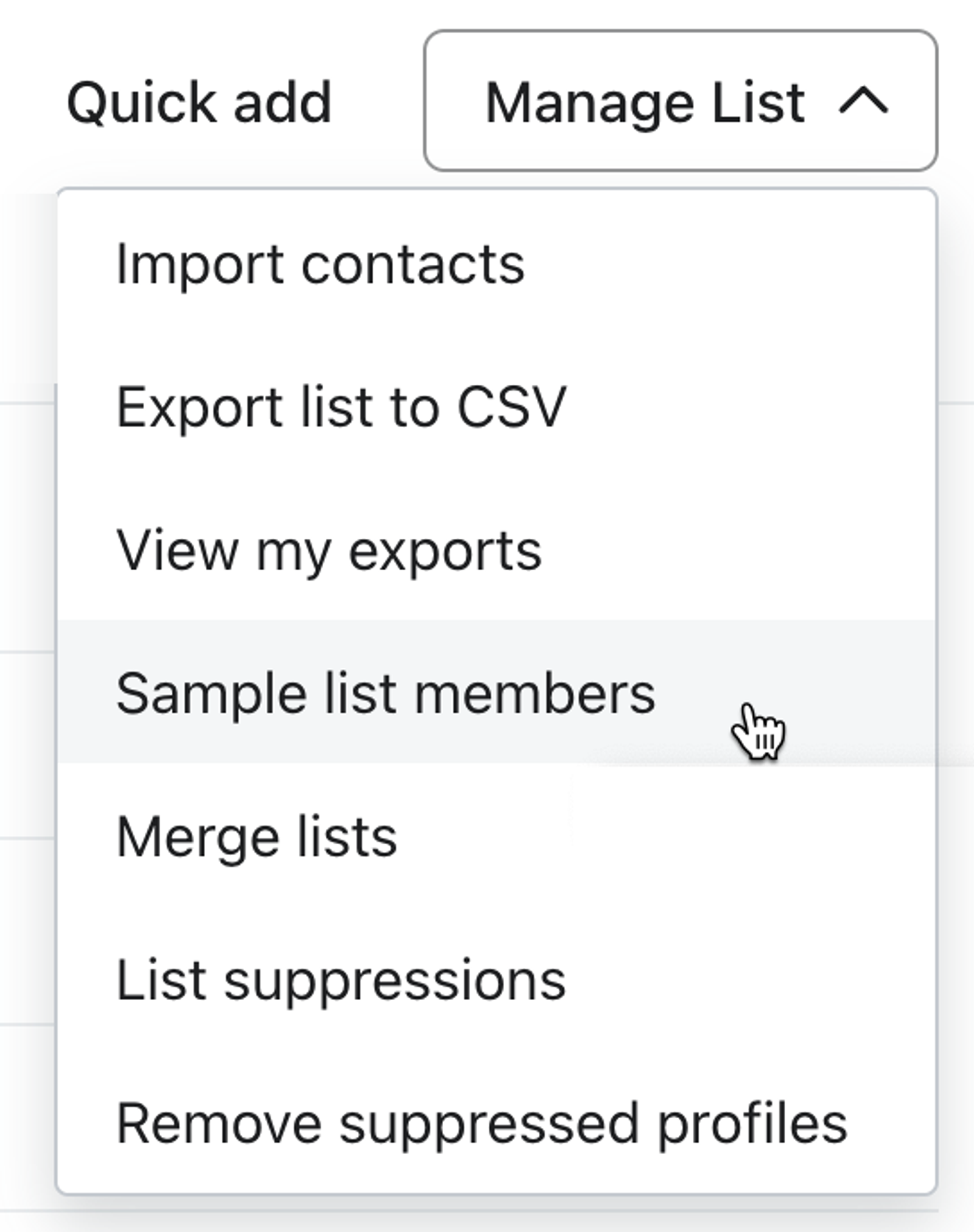
- Input how many people you would like to be included in this sample in the Sample size field.
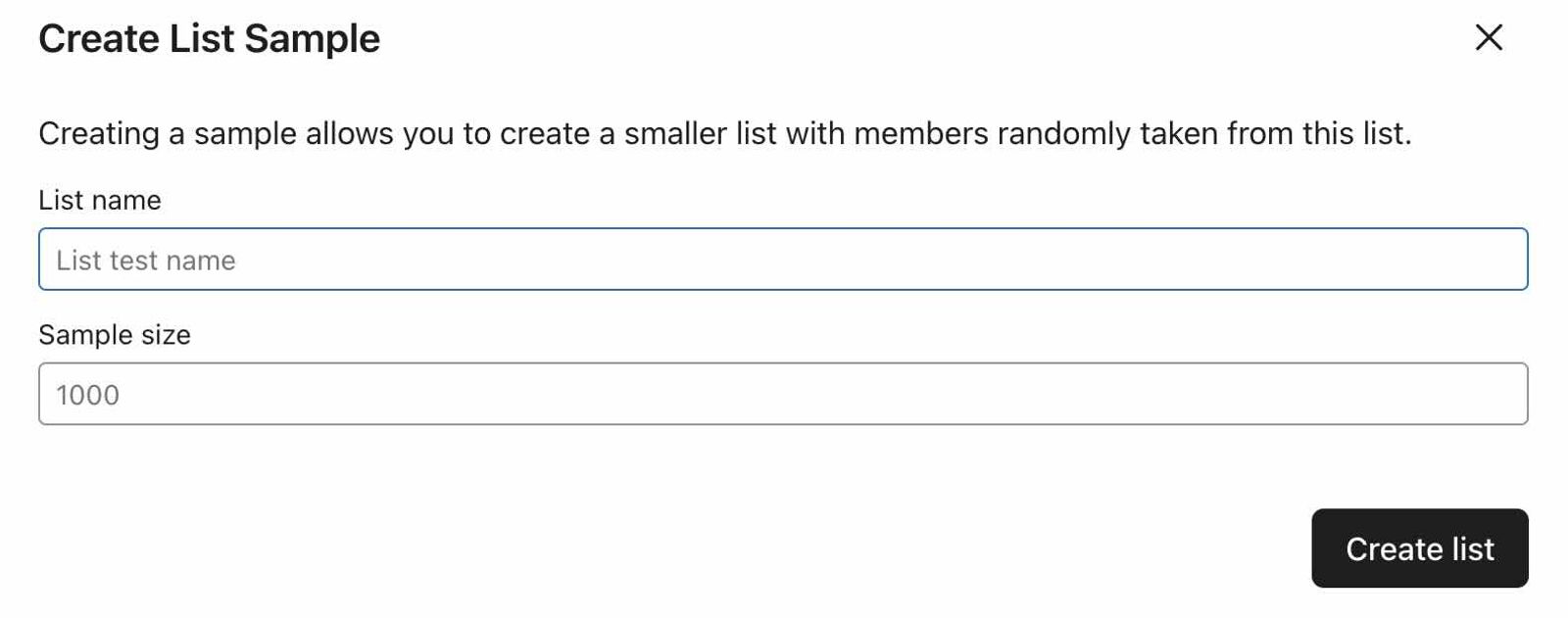
- Click Create List.
The new list created with the random sample of profiles will have double opt-in enabled by default.
Additional resources
- Understanding the difference between segments and lists
Learn the difference between segments and lists, which are 2 Klaviyo tools you can use to keep track of your subscribers and contacts. Segmentation is one of the most important aspects of your Klaviyo account. Not only can you get extremely granular with your data, but segmentation happens fast, allowing you to get back to your data-driven marketing. That being said, it is important to understand the difference between segments and lists when getting started with Klaviyo.
- Understanding the benefits of having a main list for each marketing channel
Learn about the benefits of using one main list per marketing channel (e.g., SMS and email) and how to organize your lists in Klaviyo. Additionally, see the tools you can use to identify and target subscribers based on their behavior or how they subscribed.