Understanding third-party apps
You will learn
Learn how to find third-party apps, which are apps built by third parties (instead of by Klaviyo) using Klaviyo's APIs. Klaviyo's APIs enable a large variety of third parties to build apps and integrations with our platform. You can search for both Klaviyo-built integrations and select third-party apps in our app marketplace. If you are looking for an app you can't find on our marketplace, we recommend reaching out to the platform directly.
Find a third-party app
To find a third-party app:
- In Klaviyo, select the Integrations tab.
- Click Explore apps.
- In the app marketplace, which opens in a new tab, browse or search for an app.
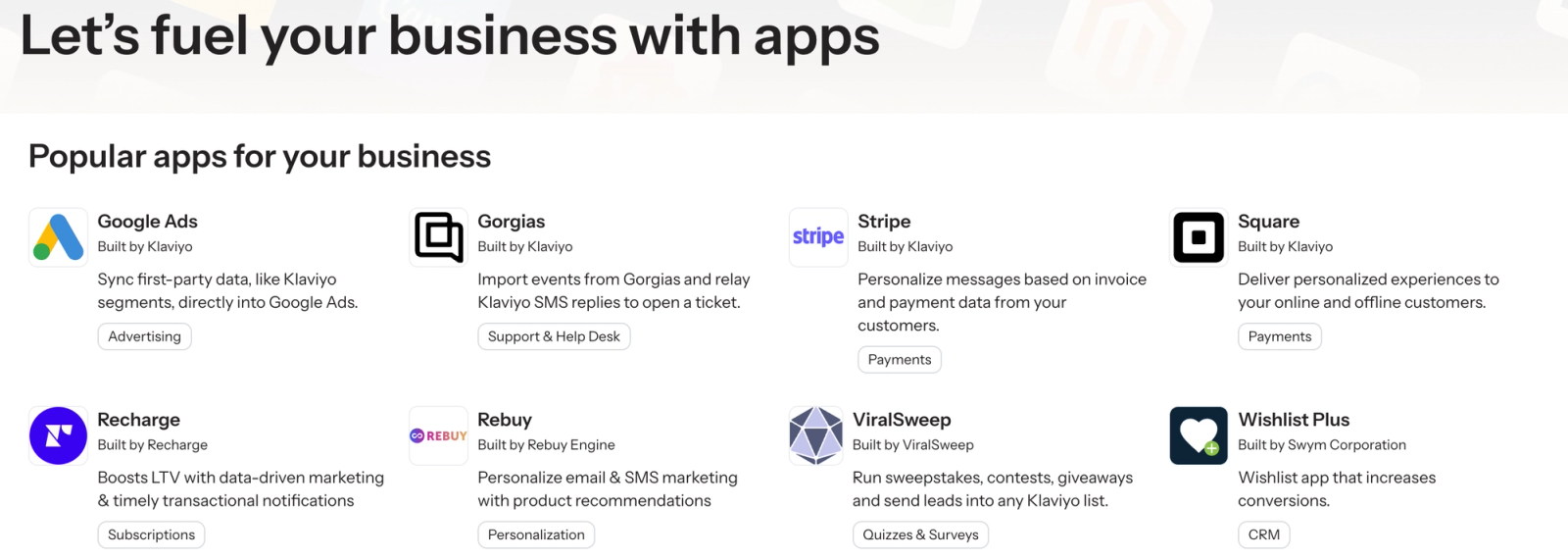
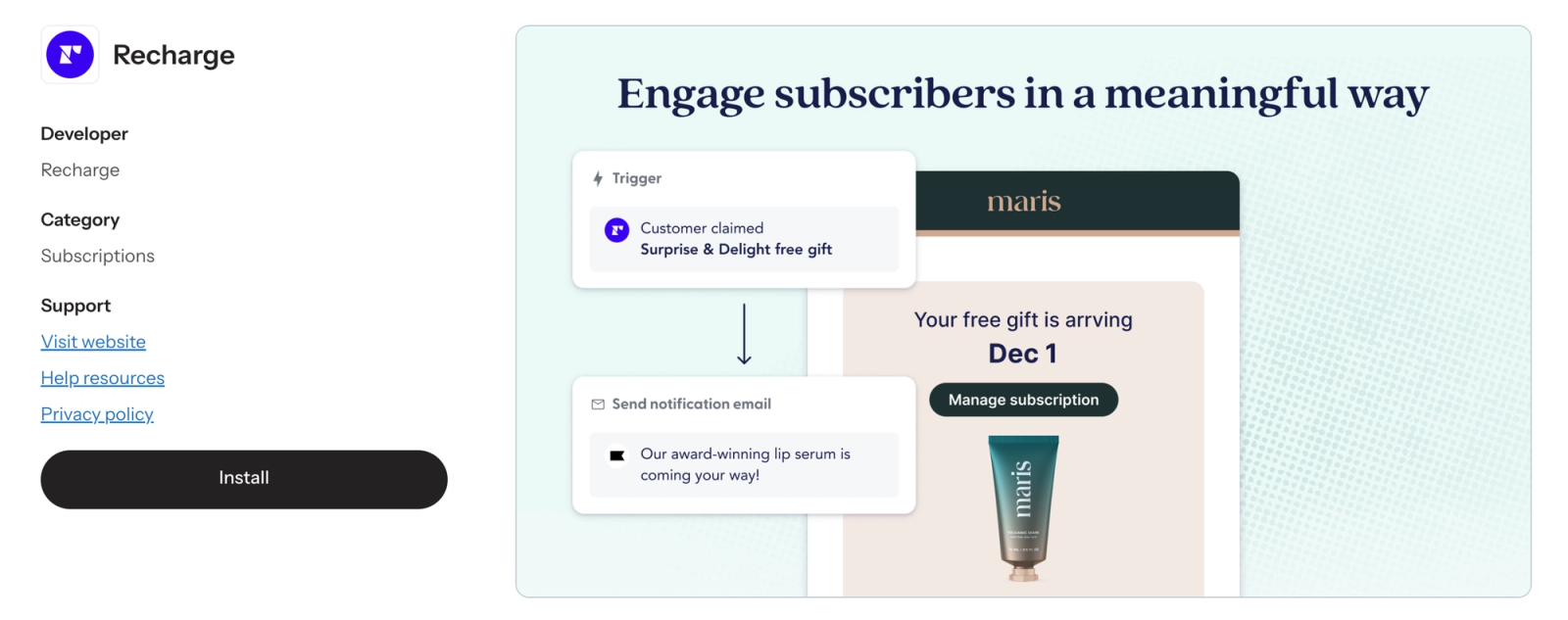
- Select an app to learn more about it.
Where to find help resources
All Klaviyo-built (or "native") integrations have help documentation on our Help Center, while third-party apps do not. You can find integration guides for Klaviyo-built integrations in the Integrations section. For third-party apps, open the individual app's page in our marketplace and select Contact support to open the developer's support website or email address. Some listings also include User Guide links.