Cómo sincronizar segmentos de Shopify con Klaviyo
Descubre cómo sincronizar segmentos de Shopify con Klaviyo. Los clientes de Shopify pueden sincronizar segmentos creados en Shopify con Klaviyo como listas. Estas listas:
- Reflejar una sincronización de un punto en el tiempo de Shopify a Klaviyo.
- No se actualiza a medida que cambia la membresía del segmento en Shopify ni si se eliminan segmentos.
- No sincronices miembros de Klaviyo con Shopify.
Antes de empezar
Antes de poder sincronizar segmentos de Shopify con Klaviyo, será necesario:
Los segmentos se sincronizarán con la cuenta de Klaviyo a la que esté conectado el embed de la app de Klaviyo en Shopify.
Sincronizar un segmento
Para sincronizar un segmento de Shopify a Klaviyo:
- En el panel de administración de Shopify, ve a Clientes > Segmentos.
- Selecciona el segmento que quieras usar de la lista.
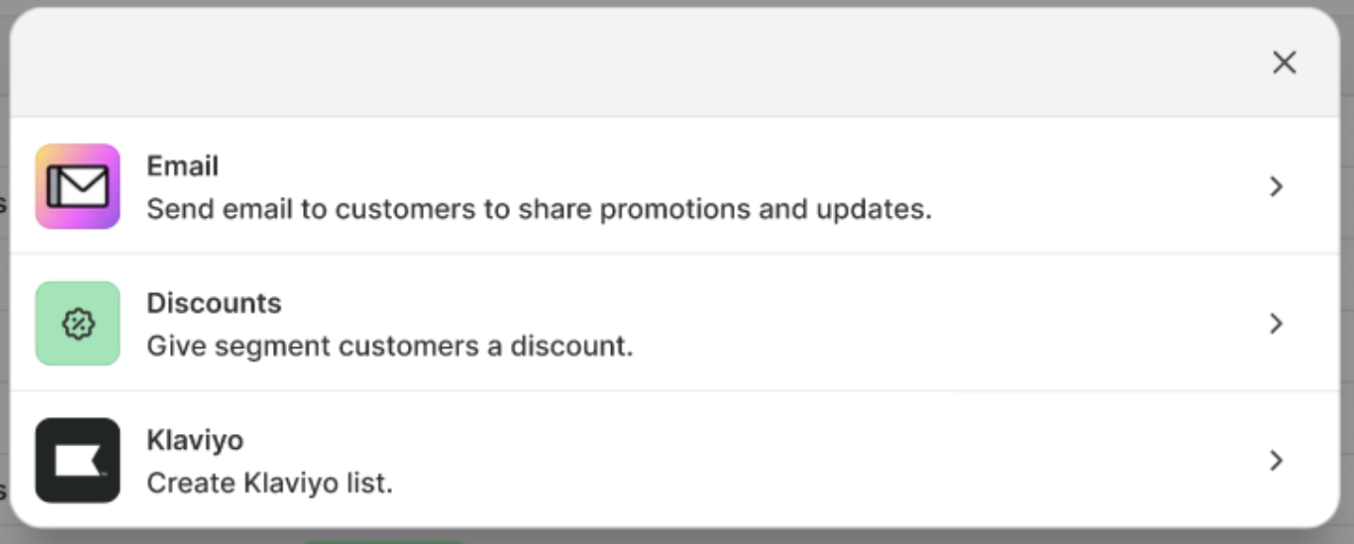
- Haz clic en Usar segmento.
- Select Klaviyo.
- Revisa la ventana emergente que aparece y haz clic en Crear lista.
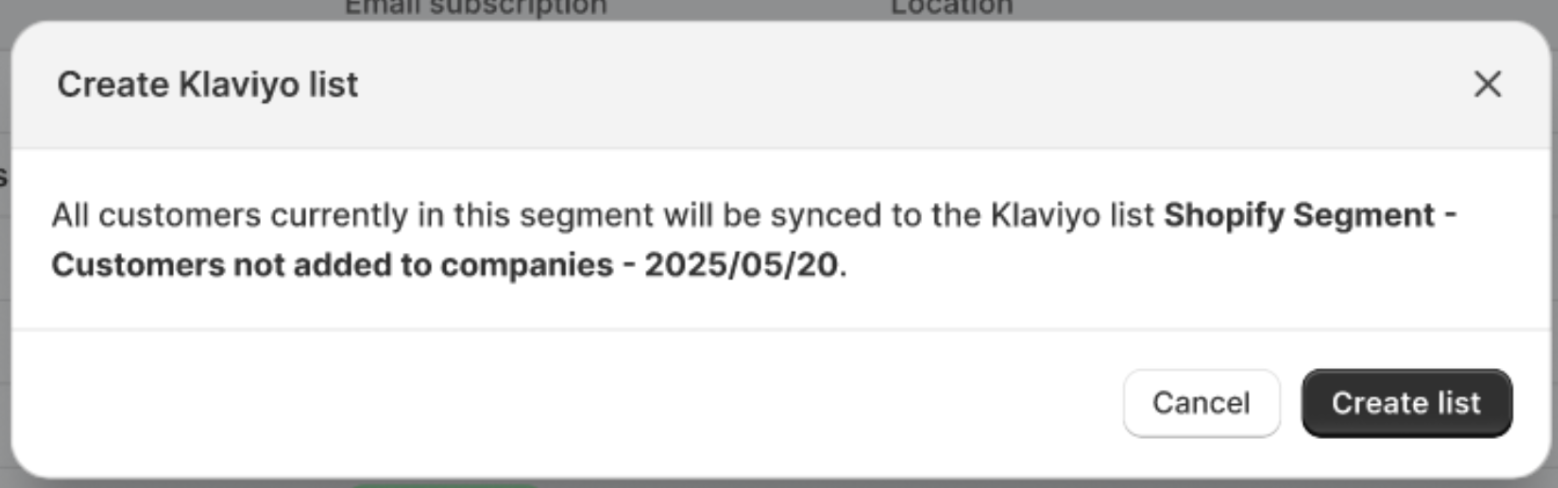
- Serás redirigido a la nueva lista en Klaviyo. La sincronización de la membresía de la lista puede tardar un tiempo.
Repite el proceso anterior para sincronizar segmentos adicionales.
Recursos adicionales
- Understanding the difference between segments and lists
Learn the difference between segments and lists, which are 2 Klaviyo tools you can use to keep track of your subscribers and contacts. Segmentation is one of the most important aspects of your Klaviyo account. Not only can you get extremely granular with your data, but segmentation happens fast, allowing you to get back to your data-driven marketing. That being said, it is important to understand the difference between segments and lists when getting started with Klaviyo.
- Getting started with Shopify
Learn how to integrate Klaviyo with Shopify in order to bring your customer profile and order data into Klaviyo and reach customers with targeted messaging. Additionally, enable Klaviyo onsite tracking and sign-up forms, and sync data from Klaviyo to Shopify.